
Lead Hunter Pro
Find. Connect. Convert. Scrape business leads from Google Maps in 50+ countries, then run WhatsApp Web and Gmail campaigns straight from your own accounts. No cloud sync. No servers reading your data. Ban-safe by default.
50+
Countries
7
Export formats
2
Campaign channels
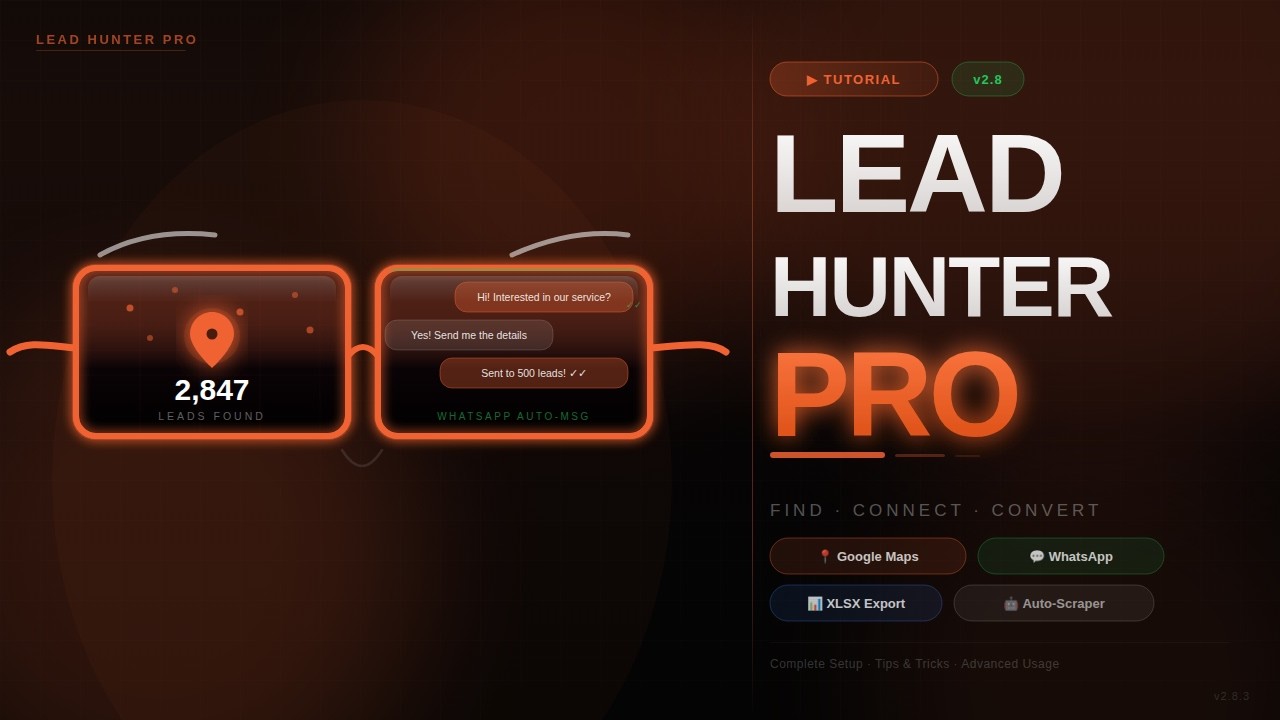
Official Tutorial Playlist · Bangla
A to Z video walkthrough
A full outreach engine in one Chrome tab.
Lead Hunter Pro scrapes business data from Google Maps, dedupes it, and then reaches out on your behalf through WhatsApp Web and Gmail — using your own accounts. Everything runs locally in your browser. No external server ever sees your leads or your messages.
Maps scraper
Name, phone, email, website, address, rating — 50+ countries.
WhatsApp Web
Auto-send from your own session with ban-safe delays & spintax.
Gmail campaigns
OAuth-based sending from your inbox. Templates + variables.
7 export formats
CSV · XLSX · JSON · Copy · Phone/Email/WA txt · Webhook.
4 steps · manual Developer-Mode install.
The extension is not on the Chrome Web Store yet — it installs manually with Developer Mode. Needs Chrome 88+ (or any Chromium: Edge, Brave, Arc).
- 1
Download the ZIP
Click the download button in the hero. Right-click → Extract to a permanent folder (do not delete it later).
- 2
Open chrome://extensions
Paste chrome://extensions in the address bar and hit Enter. Or Menu (⋮) → More Tools → Extensions.
- 3
Enable Developer Mode
Toggle the switch in the top-right corner of the Extensions page.
- 4
Load unpacked
Click 'Load unpacked' and select the extracted folder. Pin Lead Hunter Pro to the toolbar.
Pay once per credit pack. No subscriptions.
1 credit = 1 lead scraped, or 1 message sent (WhatsApp / Email). Duplicates auto-skip without burning credits. Remaining balance always visible in the header.
Free Trial
৳0
300 credits
Instant activation
Basic
৳1,350
10,000 credits
Solo hunters
Premium
৳2,250
20,000 credits
Save 20% · Popular
Pro Hunter
৳4,950
50,000 credits
Best value
Payment flow: Open the Plans panel → pick a plan → choose payment method → send payment → paste Transaction ID → Submit. Credits activate within 24 hours after admin verification.
The 8 steps from install to first send.
- 1
Grab credits (Plans)
First panel is Plans. Free trial gives 300 credits instantly with a name + WhatsApp number. Paid plans activate after admin verification.
- 2
Home dashboard
See totals: leads scraped, today's count, messages sent. Quick-action buttons launch Hunt, Campaign, and Export.
- 3
Hunt · Google Maps
Type a keyword + location. Extension scrolls Maps for you and streams leads into the table. Dedupe is automatic.
- 4
Enrich with website emails
Turn on 'Find email from website'. Extension visits each business URL and extracts contact addresses.
- 5
Save & clean
Click 'Save All' to persist leads to local storage. Manage in the My Leads panel (search, tag, delete).
- 6
Campaign · WhatsApp
Connect WhatsApp Web via QR. Compose your message with variables + spintax. Set delay ≥ 8s. Send.
- 7
Campaign · Gmail
Connect Gmail via OAuth (one-time). Load a template. Personalize with lead fields. Fire the campaign.
- 8
Export
Push to CSV / XLSX / JSON, or hit a webhook to your CRM. Phone / Email / WA txt lists for other tools.
Send from your own WhatsApp Web session.
Lead Hunter Pro never talks to any external WhatsApp API. Messages go through your own WhatsApp Web tab — same as if you typed them yourself.
Connection steps
- Campaign tab → select WhatsApp channel
- Click 'Open WhatsApp Web & Connect'
- Scan the QR code with your phone
- Wait for the green dot in the Campaign tab
- Compose message → Send Campaign
Ban-risk checklist
- Never drop delay below 8 seconds
- Cap daily sends at 50–80 messages per account
- Rotate message variations with Spintax
- Warm new numbers up gradually (7 days)
- Avoid identical templates to every lead
Your own Gmail via OAuth — no SMTP.
Gmail sending is one-time OAuth. The token stays in your browser — Lead Hunter Pro never reads your inbox and can only send emails you compose.
- 1console.cloud.google.com → create or select a project.
- 2APIs & Services → Library → enable 'Gmail API'.
- 3OAuth consent screen → External → add your app name + email → add yourself as test user.
- 4Credentials → Create OAuth Client ID → type 'Web application'.
- 5Copy the Redirect URI shown in the extension's Email panel and paste it into 'Authorized redirect URIs'.
- 6Paste Client ID + Client Secret back into the extension → Connect Gmail.
Auth broken? Campaign → Email → Disconnect Gmail → Connect Gmail Account → re-authorize. Fixes 90% of send failures.
Pull leads out in whatever shape you need.
| Format | Best for | Contains |
|---|---|---|
| CSV (.csv) | Google Sheets, Excel, any CRM | All lead columns |
| Excel (.xlsx) | Excel-first workflows | All lead columns, formatted |
| JSON (.json) | Developers, APIs | Full structured data |
| Copy Table | Quick paste anywhere | Tabular clipboard |
| Phone list (.txt) | Bulk SMS tools | Phone numbers only |
| Email list (.txt) | Mailchimp, Brevo, etc. | Email addresses only |
| WA list (.txt) | Other WhatsApp tools | WA-formatted numbers |
| Webhook | Real-time CRM push | JSON payload per lead |
Small habits that 10× results.
Go narrow with keywords
'Italian Restaurant Dhaka' beats 'Restaurant'. Specific queries return higher-quality leads and skip junk.
Don't touch the Maps tab
While scraping runs, do not scroll, click, or switch. The extension controls the tab.
Warm your WhatsApp number
First week: 20 msgs/day. Second week: 40. Never crash-scale from 0 → 100 or you get banned.
Use 'Find email from website'
Slow but powerful — it visits each business site and extracts contact emails. Best run overnight.
Full A → Z tutorial · Bangla.
Prefer YouTube directly? Open the full playlist ↗
Your leads never leave your browser.
In short: Lead Hunter Pro runs on your computer and your accounts. Leads stay in your browser. We do not sell your data. We do not collect your messages or the leads you scrape.
Last updated: June 10, 2026 · Operator: Tanzid Al Tuhin · Contact for data requests
Ready to hunt